

 01 / Learn to Dive
PADI Open Water
Your First Certification
New to scuba? Explore the course, then choose your resort and room on the package page.
Explore Open WaterYour Booking Guide
From choosing an Open Water course or Fun Dive package to checking your confirmed booking, here is every step in one place.
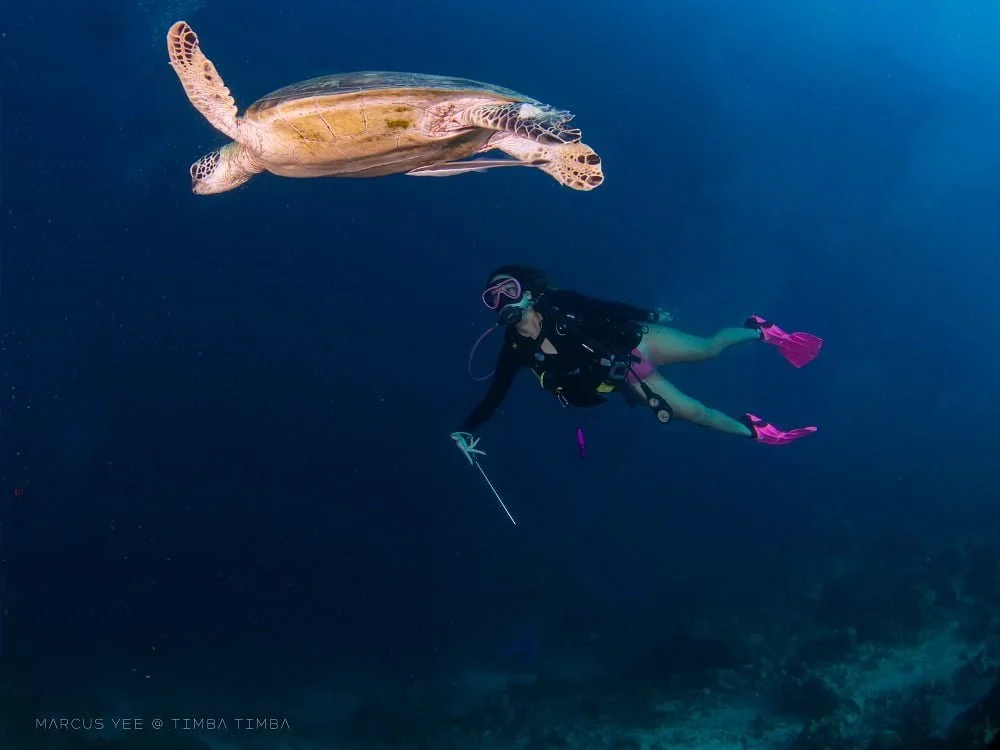
Before You Begin
Pick the experience that fits you. Both follow the same cart and checkout steps below.
01 / Learn to DivePADI Open Water
New to scuba? Explore the course, then choose your resort and room on the package page.
Explore Open Water 02 / Keep Exploring
Tioman Fun Dive
Already certified? Choose a Fun Dive package by stay length, then select your resort and room.
Explore Fun Dive PackagesThe Booking Flow
Follow these stages on our current website. The illustrations show the choices and button names; calendar dates are examples.
Find your fit
Start with PADI Open Water or a Fun Dive stay. On the package page, choose your resort and room or package option. Check the per-person rate, then select “Add to Cart”.
Fun Dive packages are for certified divers. Choose the stay length that suits your trip.
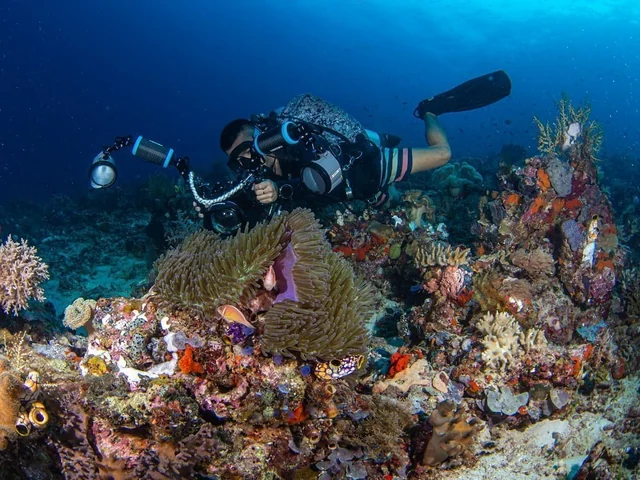
Make it yours
Check the package, room, guest count and total. Change the number of guests or remove an item if needed. Then choose “Choose Dates & Continue”.
Adding a package to your cart does not reserve availability.
Plan your arrival
At checkout, select your package or shared room and choose an available arrival date on the calendar. When every package has a date, select “Continue to Details”.
Full or closed dates cannot be selected. Availability is checked during checkout.
Almost there
Enter the lead guest’s full name, phone or WhatsApp number and email address. Read and accept the Booking & Cancellation Terms, then select “Continue to Payment”.
Use contact details you can access during your trip.
Secure payment
You will be taken to HitPay’s secure checkout. Choose from the payment methods shown there and complete full payment for the booking.
The methods shown depend on those available for this payment request.
Available payment methods appear on the HitPay page.
Keep your reference
After payment, return to your reservation status page and keep the reference number. Your booking shows as confirmed once payment has been verified.
If the page says payment is pending or under review, check the status before trying to pay again.
After payment is verified
Save your reference to check the status later.
A Real Dive Buddy Is Here
Ask us about course requirements, room choices or your island plans. We will help you choose with confidence.